FAQ's
Q1: Will this adapter work with my car?
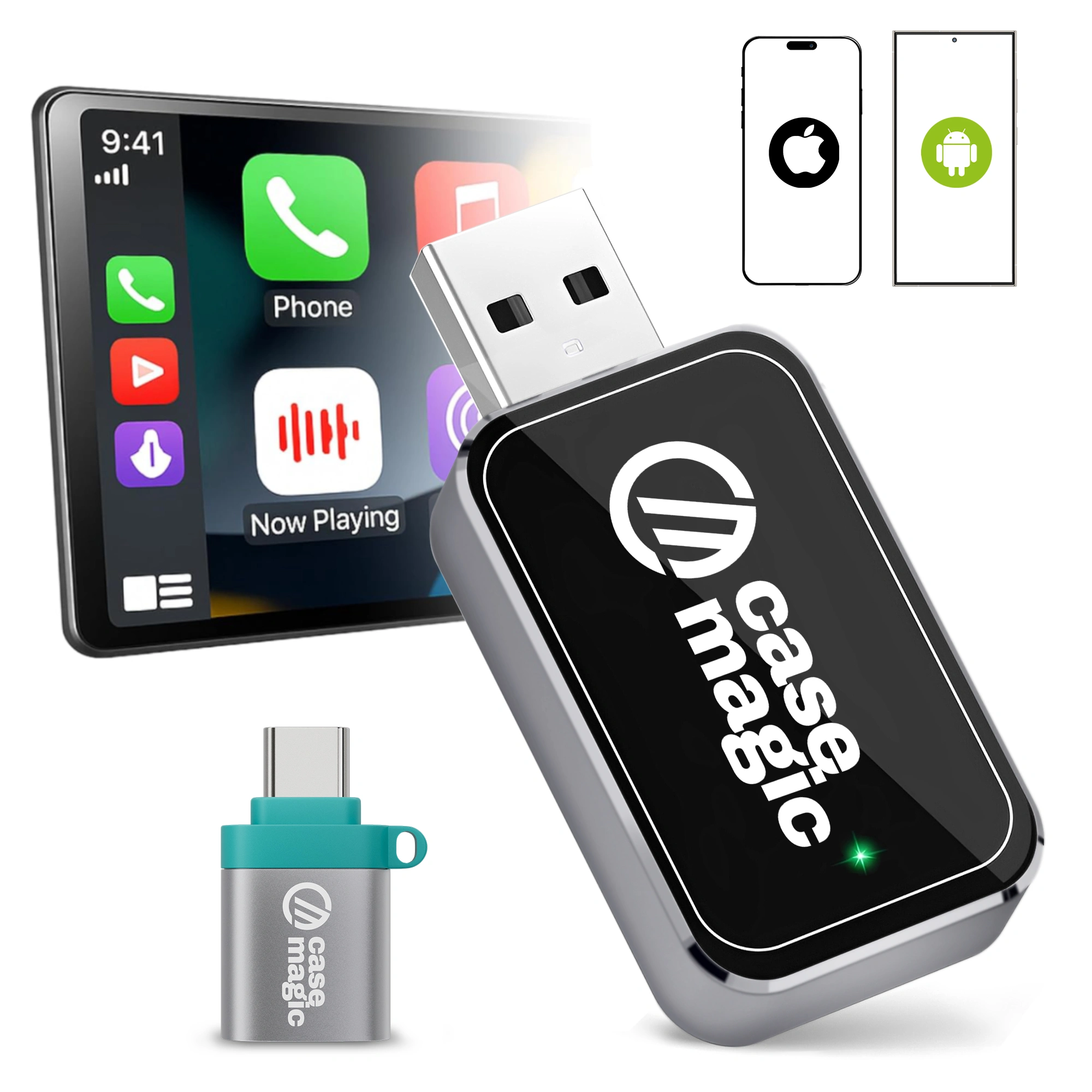
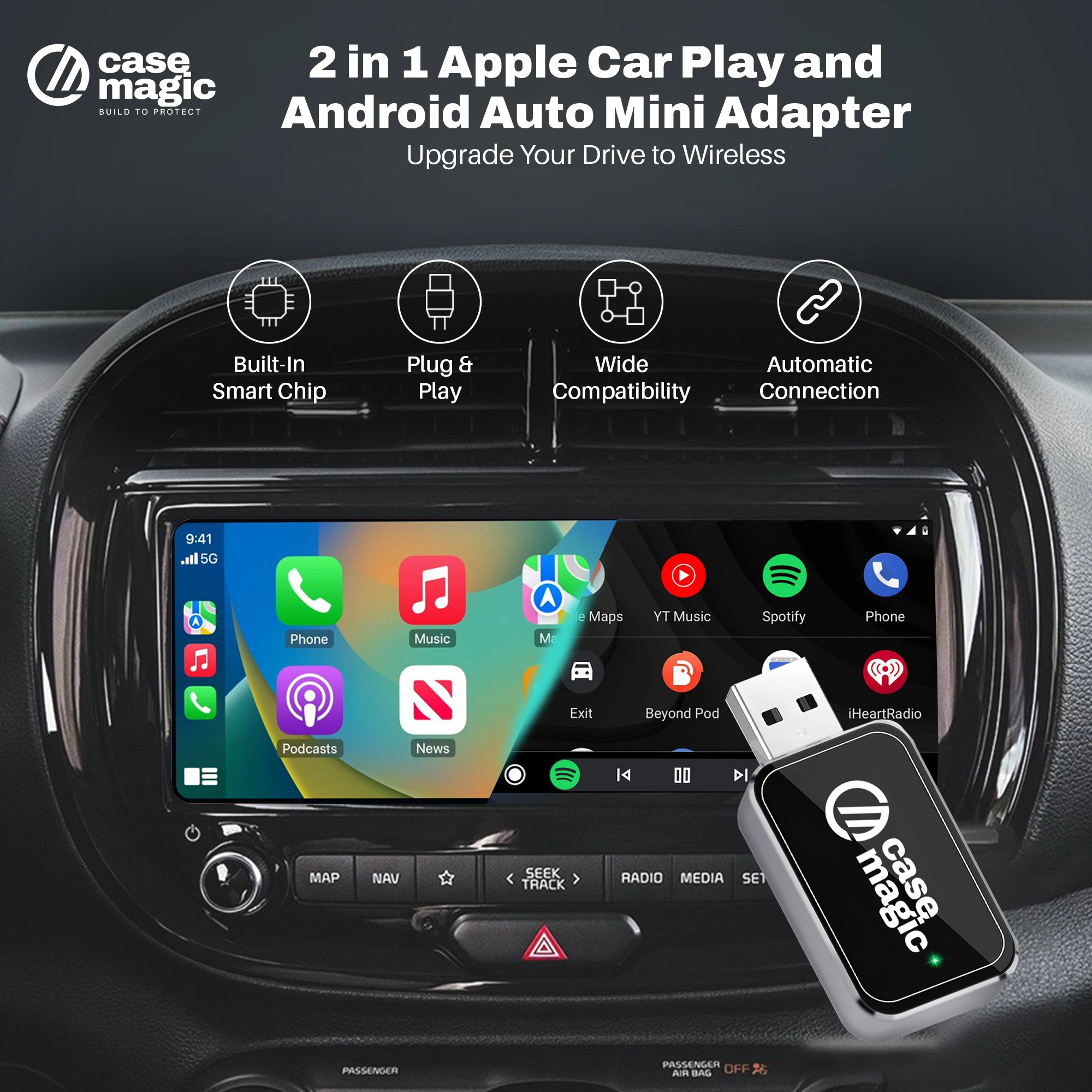
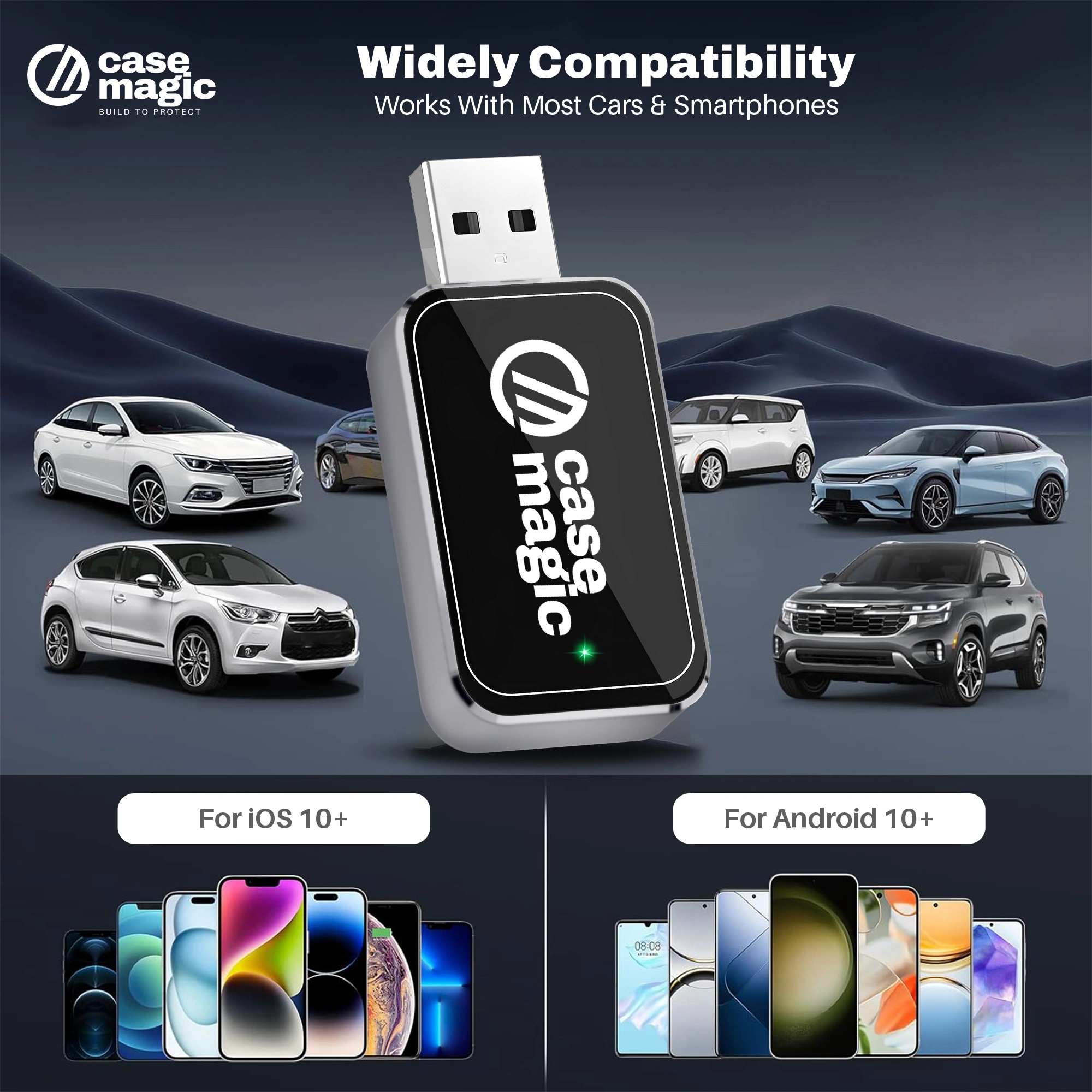
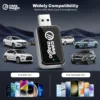
A1: This adapter works with cars that have OEM factory-installed wired CarPlay or Android Auto systems. It is compatible with most vehicles equipped with wired CarPlay, including popular aftermarket head units from brands like Alpine, Kenwood, and Pioneer. If unsure, please check with your car’s specifications or contact support with make and model details.
Q2: How do I set up the wireless adapter?
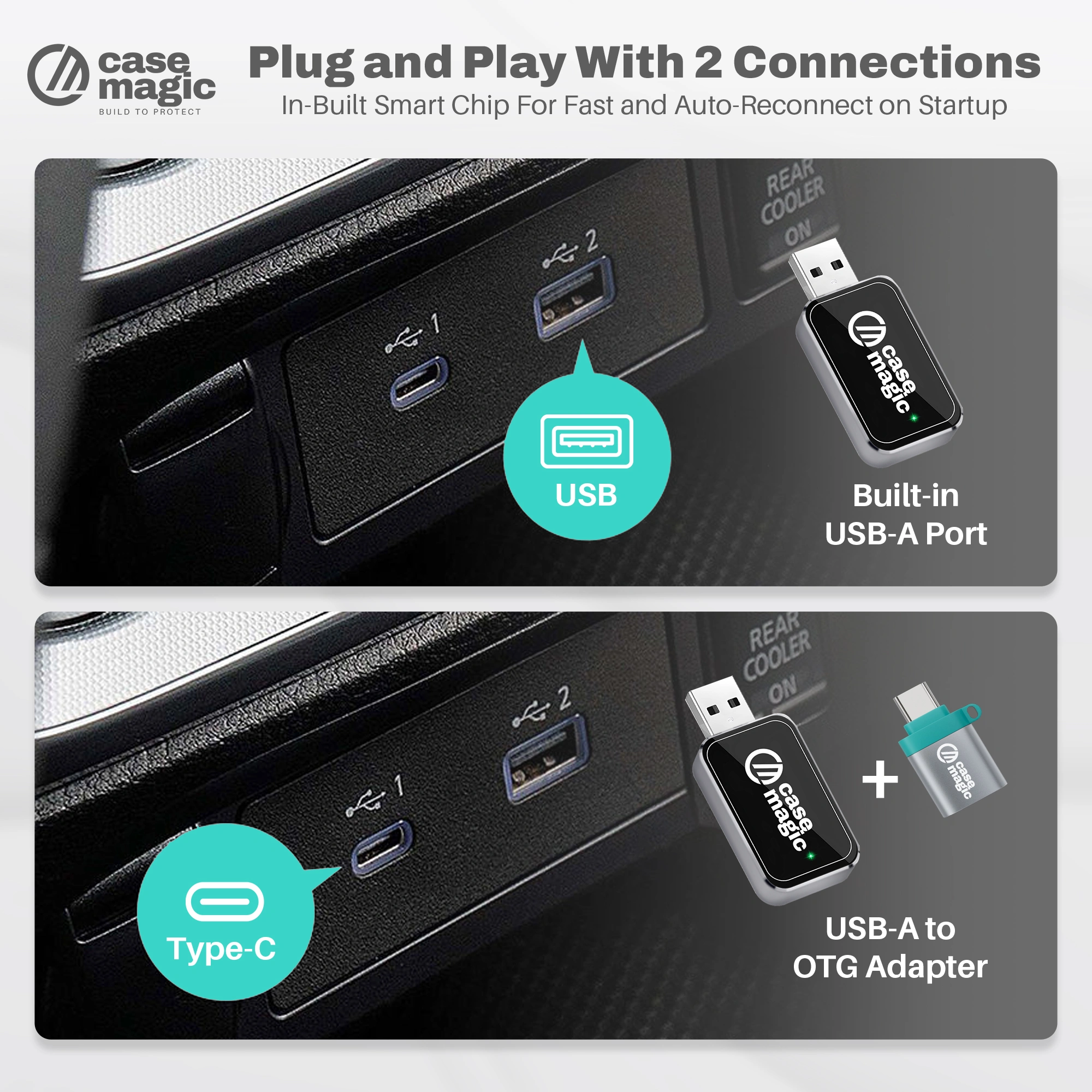
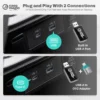
A2: Setup is simple and plug-and-play. Just connect the adapter to your CarPlay/Android Auto USB port, pair your phone’s Bluetooth once, and your device will automatically connect wirelessly every time you start your car.
Q3: Do I need to install any app?
A3: No additional apps are required. The adapter works seamlessly by connecting via USB to your car and Bluetooth to your phone.
Q4: Can it support multiple phones or vehicles?
A4: Yes, the adapter can pair with multiple phones and can be moved easily between compatible vehicles. It will automatically connect to the most recently paired device.
Q5: Will it affect my phone’s battery life?
A5: The device provides wireless connectivity without significantly impacting battery life. Since it uses Bluetooth and WiFi efficiently, battery drain is minimal compared to wired connections.
Q6: Is the adapter compatible with both iPhone and Android devices?
A6: Yes, it supports both Apple CarPlay and Android Auto, making it versatile for most smartphone users.
Q7: Does it support voice commands and steering wheel controls?
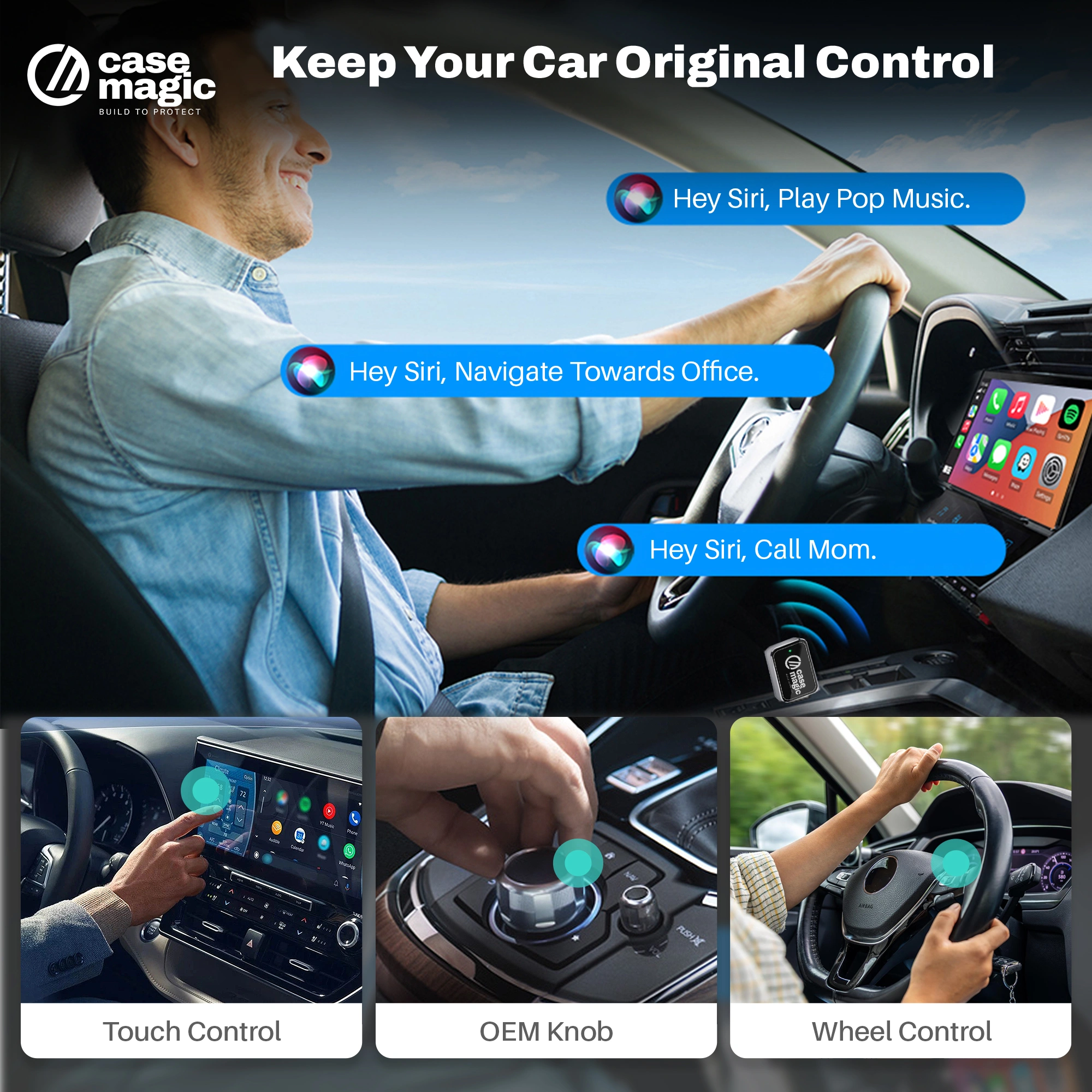
A7: Yes, all standard CarPlay and Android Auto features including voice control and steering wheel button functions are fully supported.
Q8: What is the range and reliability of the wireless connection?
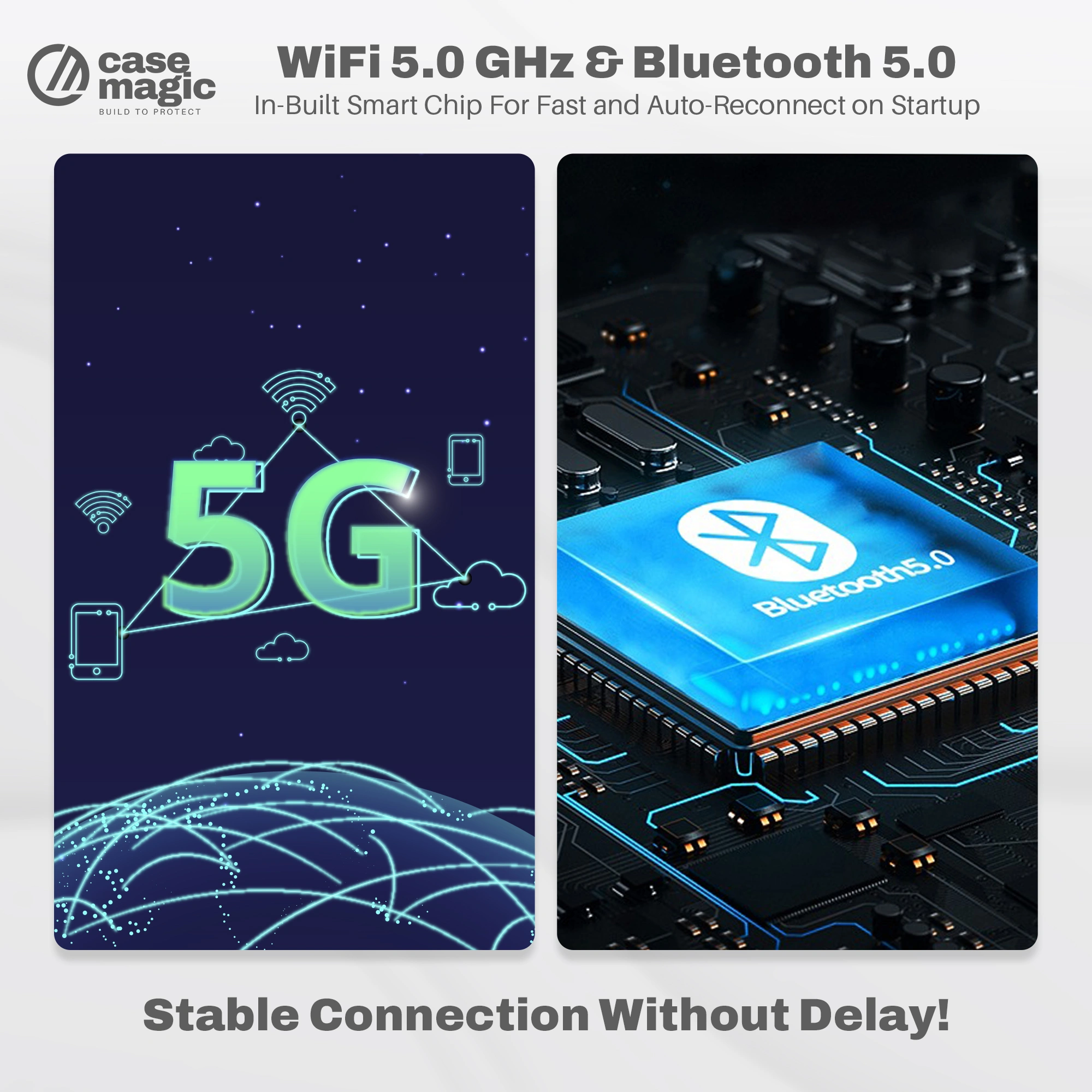
A8: Using advanced WiFi 5GHz and Bluetooth 5.0, it ensures a fast, stable connection with minimal lag, comparable to wired connections.
Q9: Can it operate in extreme temperatures?
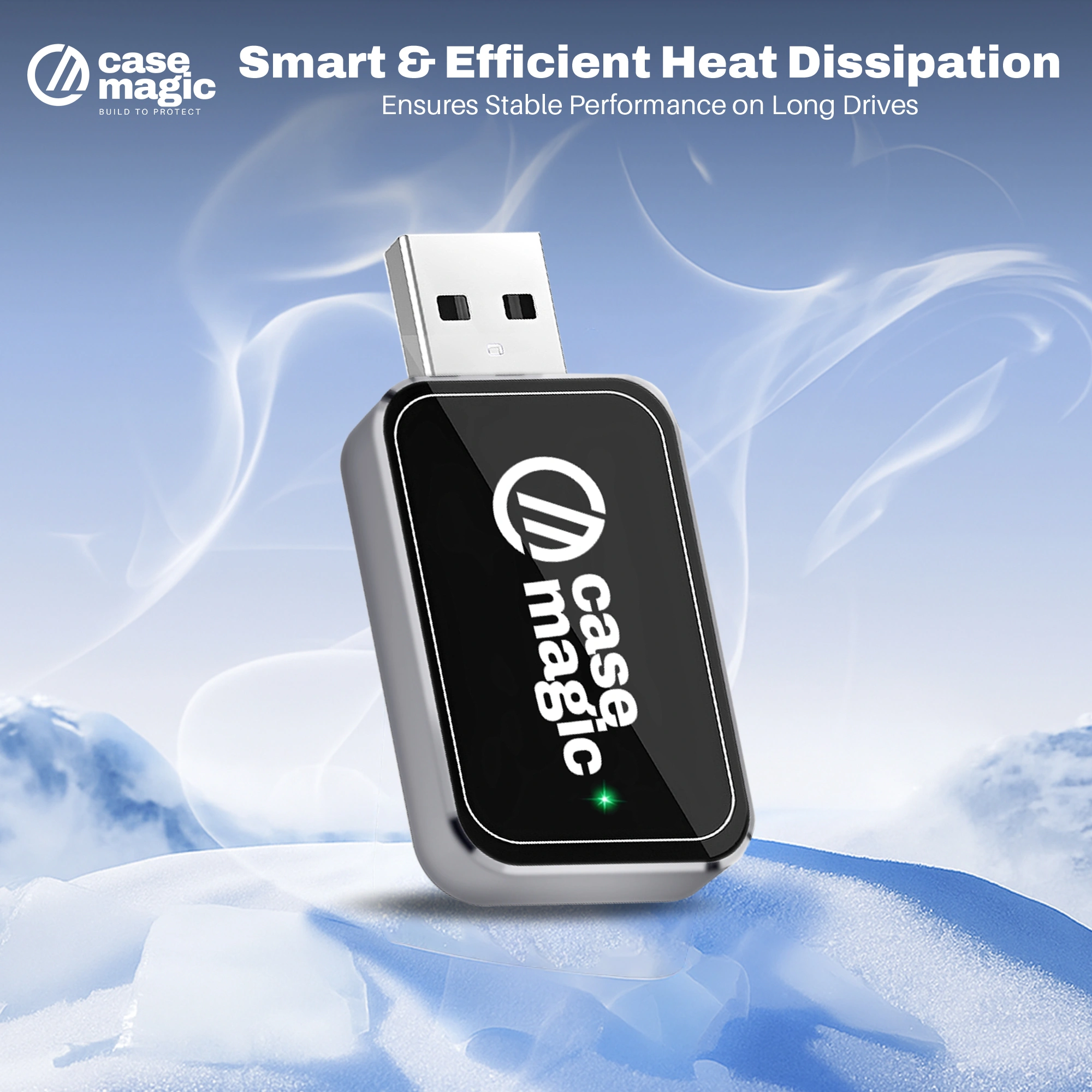
A9: Yes, it’s designed to work reliably in temperatures from -20℃ to +70℃, suitable for diverse climates.
Q10: What if I face connectivity issues?
A10: Try unplugging and reconnecting the adapter. Make sure your phone’s Bluetooth is enabled and devices are paired properly. For persistent problems, contact customer support for assistance.
Q11: Is the product covered by warranty or customer support?
A11: Yes, Case-Magic offers warranty and reliable customer support to assist with any issues. Details are included in the product packaging and website.



 2 Offers Available

Reviews
There are no reviews yet.